How to monitor your CPD points as an optometrist
Last updated: 14 Oct, 2026
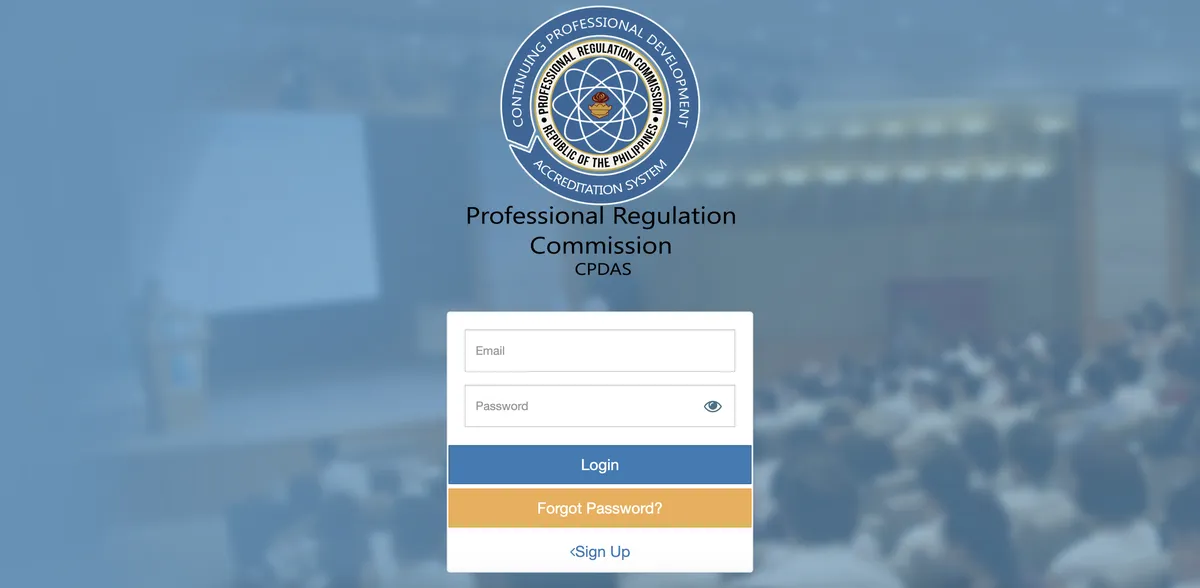
When I was asked to check my CPD points for the renewal of my license, the task was so tedious that it took me a whole afternoon. That's too much time spent. Let me save you (myself) some time with this post.
Table of Contents
Checking your current total points
To check your points, login at the CPDAS website as a professional. Note that this is different from LERIS, you will have to make another account for this site.
Once you're in, you should be able to see your total collected points on the lower-left portion of the dashboard.
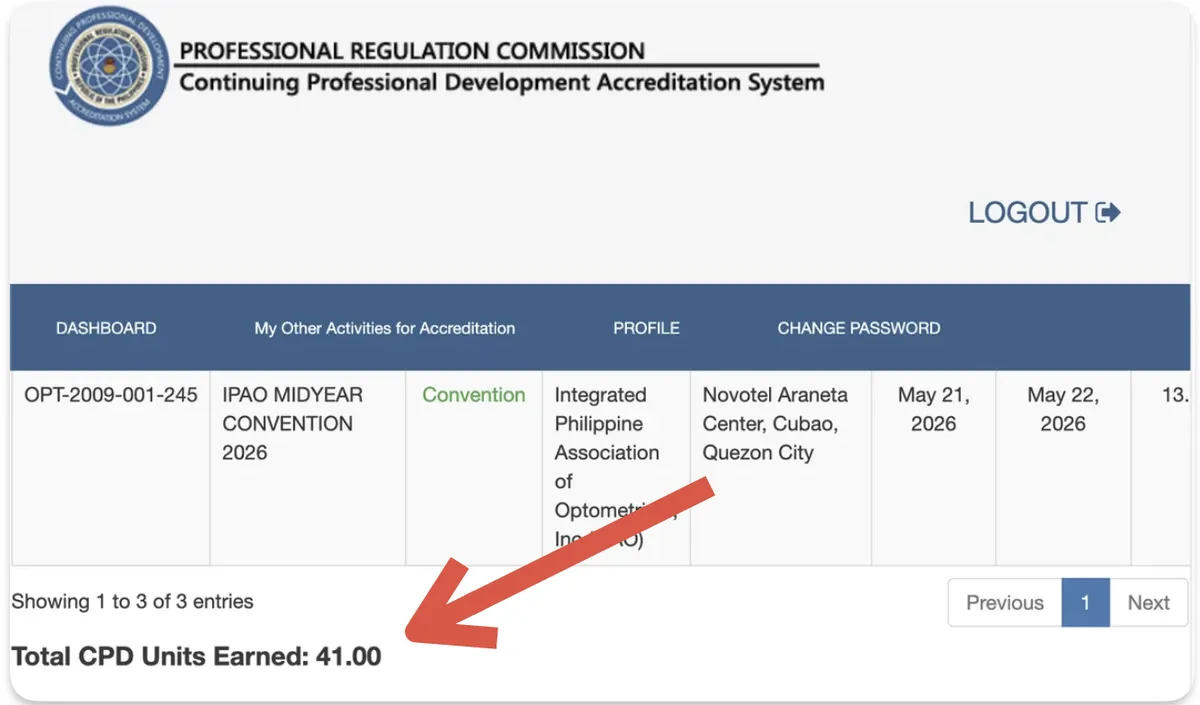
As of this writing, you need to collect at least 45 points for the renewal process. I will update this post if there are any changes to the rule.
Optometrists who are renewing their license for the first time are exempted from this rule.
For instance, if your initial registration was on the year 2026, you don't need to collect CPD points until 2029. Unless required by your employer, sponsored, or you really want to, you don't need to attend seminars.
On 2029, your first renewal process, the PRC will ask you to sign a waiver and a promissory note that you will collect CPD points from then on. After three years (2032), it's expected that you have already collected the required number of points upon renewing your optometry license. This will be the procedure for your succeeding renewals.
Points can be obtained through the following:
- attending seminars from accredited providers
- self-directed learning
- authorship
- inventions or
- post-graduate studies
Checking for upcoming events
To check if there are any upcoming seminars, visit the CPDAS Bulletin page. Using the Search Box entitled: Search Program (Oct 2020 onwards), select Optometry from the Board dropdown.
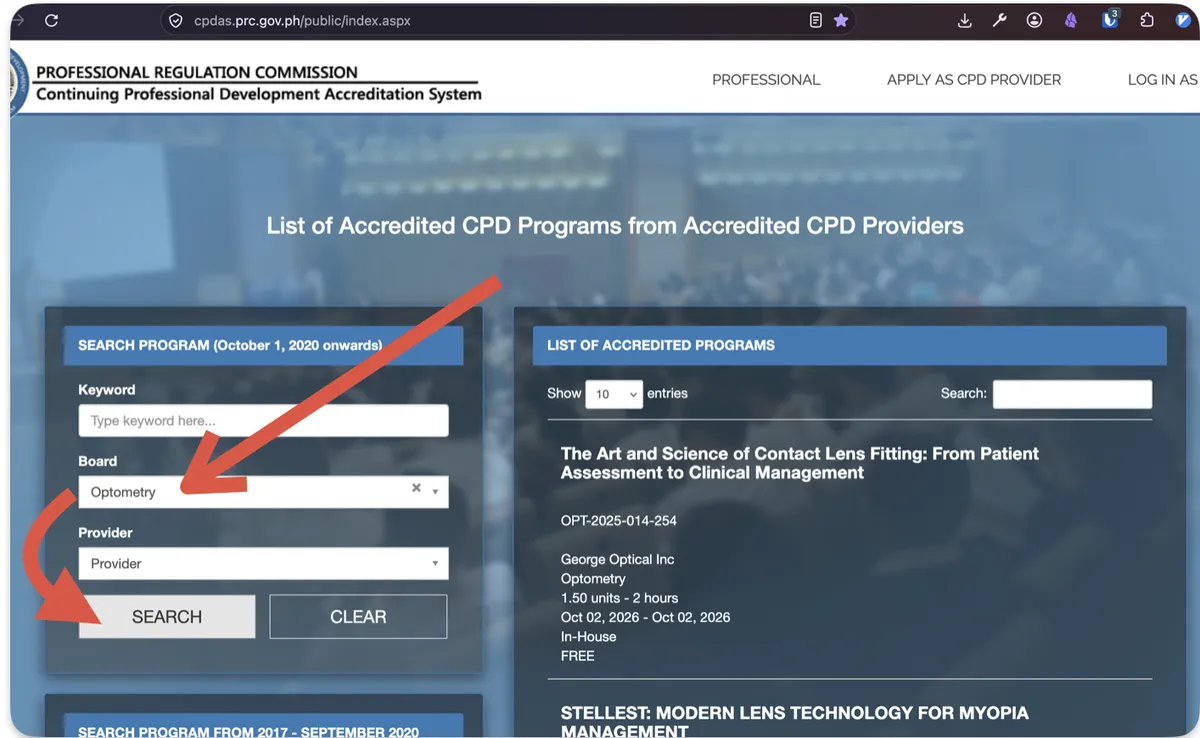
A list should display the following for each seminar:
- Accreditation number
- Program Title
- Name of the provider
- Dates the program will be held
- Topics to be discussed
- Points that can be obtained
- Contact details of the CPD provider
FAQs
The CPDAS FAQs can be found in a Google Doc.
The first page has QR codes leading to links that lead to the destination link. It can be annoying for users with slow internet to have to access a link from a third party website.
I have segregated the first and second QR codes to links below under the Manuals Section
Beyond the first page are detailed FAQs. Just read on if you're that interested.
A summary of FAQs can be accessed from the Professional Regulation Commission's official website.
Manuals
CPDAS - Manual for Providers
CPDAS - Manual for Professionals
The third QR image leads back to the Google Doc, and the last image leads to an unofficial Viber Group Chat for CPD concerns (last message sent by an Admin was in 2023).
Related References:
Updates
Local organizations
- Optometric Association of the Philippines
- Philippine College of Optometrists
- Integrated Philippine Association of Optometrists